
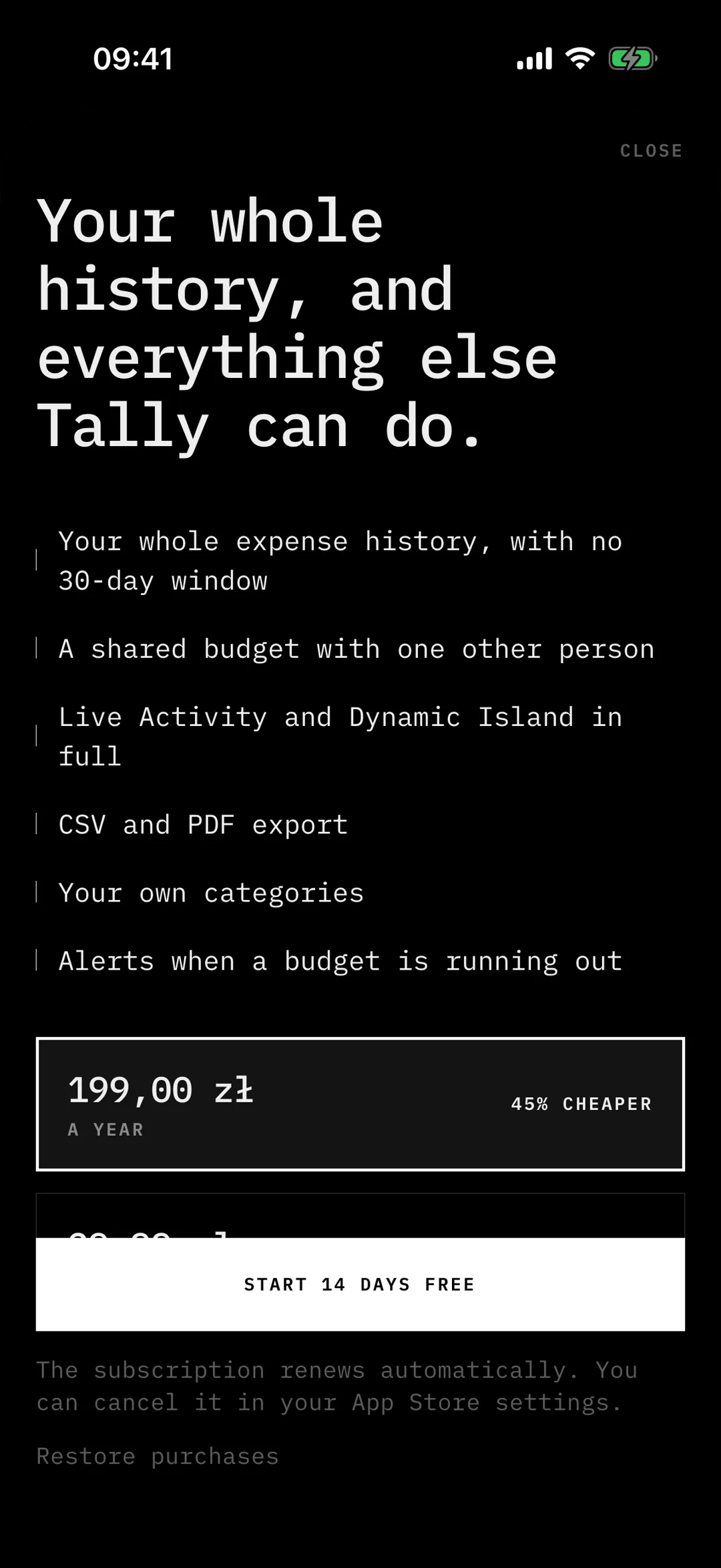
Tally is an expense tracker where you say what you spent. A spoken sentence becomes a categorised entry in under two seconds, and you can start it from the lock screen. It is on TestFlight.
Voice to expense in under two seconds
The target was simple: say “eight fifty for coffee” and see the entry before you put the phone away. Every step on that path has a budget, and the whole thing has to stay under two seconds.
Speech stays on the device
Speech is recognised on the device with the system recogniser. The audio never leaves the phone. Only the transcript goes to the server, where Claude parses it into an amount, a category and a note.
That is a privacy decision as much as a speed one: a short text is cheap to send and to parse, and there is no recording to store or leak.
A native widget from an Expo app
Tally is built with Expo, but the lock screen needs native code. I wrote a custom Expo config plugin that adds the widget extension to the iOS project at build time. The app and the widget share one App Group, so both read and write the same data.
Because it is a config plugin, the project keeps its managed workflow. There is no hand-edited Xcode project to lose on the next prebuild.
Live Activity
While a voice entry is being parsed, a Live Activity shows its state on the lock screen and in the Dynamic Island, so you know it was heard without opening the app.
The trade-off
On-device recognition is fast and private, but it is only as good as the system recogniser for the language you speak. Sending audio to a server model would catch more edge cases. I chose the device anyway: for short sentences about money, speed and privacy matter more than the last few percent of accuracy, and a wrong entry takes one tap to fix.
Where it stands
Tally is iOS only and in TestFlight.